
Cursor
- Homepage: cursor.com
- Install docs: cursor.com/downloads
- Gateway config: Use your own API keys
- Protocol: OpenAI-compatible (connected via the OpenAI provider’s Base URL override)
Install
Cursor is a standalone AI code editor (built on the VS Code core), with official installers for macOS, Windows, and Linux. Download the installer for your platform from cursor.com/downloads and follow the prompts. For all other methods, defer to the official downloads page.
On first launch you need to sign in to a Cursor account; the “Bring Your Own Key” (BYOK) feature described here is configured in the settings panel after you sign in.
Connect TokenBay
How it works
Cursor connects to a gateway not through environment variables or a config file, but by enabling a provider’s “bring your own key” option in the Cursor Settings → Models panel and filling in the endpoint. To route through TokenBay, use the OpenAI provider: first enter your TokenBay API key, then turn on Override OpenAI Base URL and point the endpoint at TokenBay’s OpenAI-compatible address.
Base URL must include
/v1: Override OpenAI Base URL uses the standard OpenAI/chat/completionsprotocol, so set the endpoint tohttps://api.tokenbay.com/v1(with/v1), not the barehttps://api.tokenbay.com.
Please review the following official notes before connecting, so you don’t mistake expected behavior for a fault:
- The Base URL override applies globally to all OpenAI models, not just the ones using your custom key. Once enabled, Cursor’s built-in Pro models are also routed to that endpoint and may become unusable. Toggle this option manually when you need to switch between your custom endpoint and Cursor’s built-in models.
- Bring-your-own-key applies to chat models only. Tab autocomplete still uses Cursor’s built-in models and is unaffected by this configuration.
- Requests still pass through Cursor’s servers: Cursor performs the final prompt construction on its backend, so each request sends the API key to Cursor’s backend over an encrypted connection (it is not retained after the request completes). When using your own key, Cursor’s zero-data-retention policy does not apply, and data handling follows TokenBay’s policies.
1. Get an API key
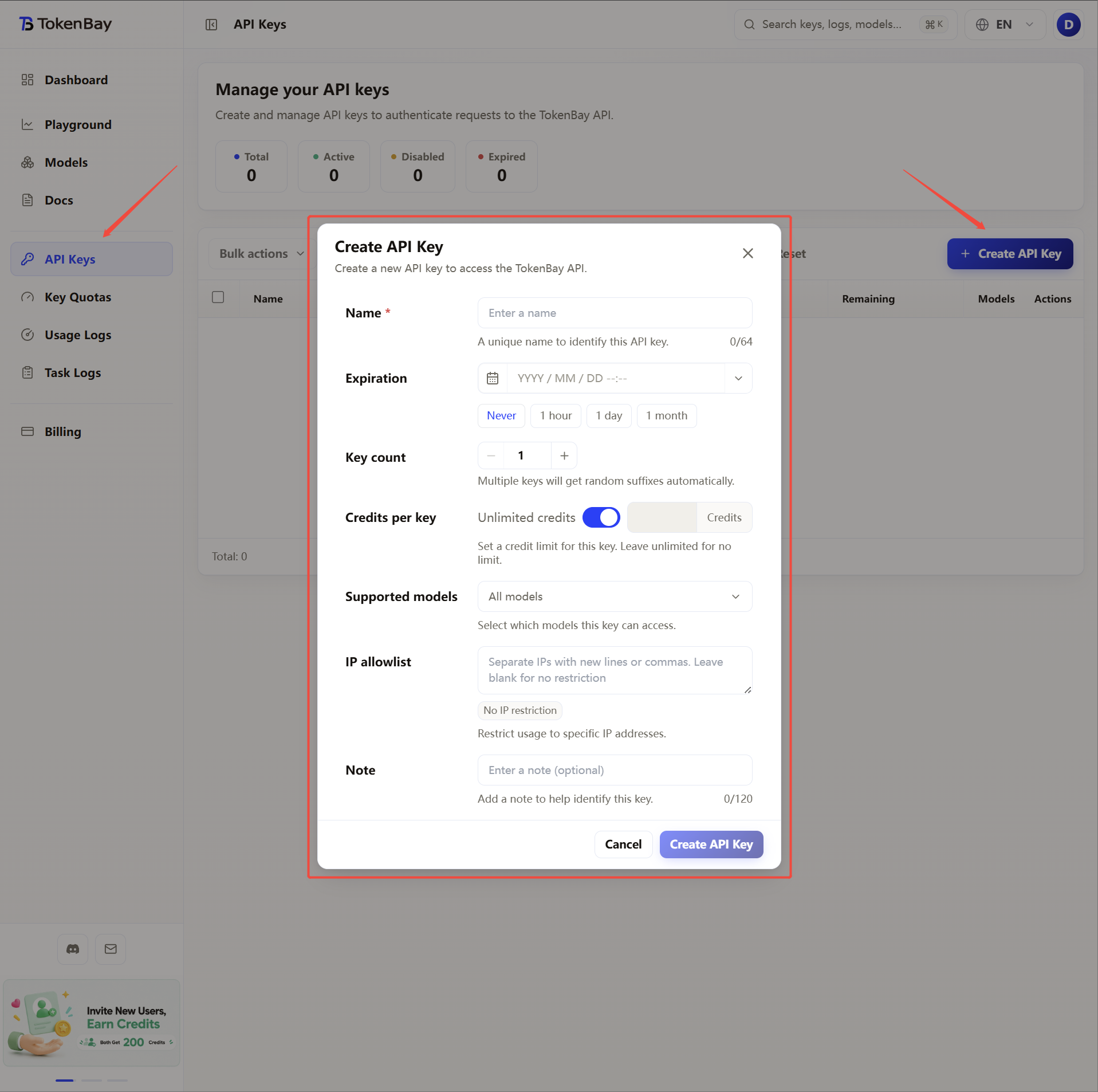
Sign in to the TokenBay console → API Keys → Create Key. Copy the full string starting with sk-. The plaintext is shown only once and cannot be viewed again after you leave the page.
2. Configure in the settings panel
Open Cursor Settings (Ctrl/Cmd + Shift + J) → go to Models → expand the API Keys section at the bottom, and follow the table:
| Step | Action |
|---|---|
| Enable OpenAI API Key | Turn on the OpenAI API Key toggle and paste your TokenBay API key (sk-...) |
| Enable Base URL override | Turn on the Override OpenAI Base URL toggle |
| Set the Base URL | Enter https://api.tokenbay.com/v1 |
| Verify | Click Verify to confirm the key and endpoint are valid |
| Save | Click Save |
After saving, Cursor uses your key and endpoint for OpenAI-type models, and those models appear in the model selector.
3. Recommended models
Add and select the following models in the Models list (model IDs are passed through to the upstream as-is, with no prefix):
| Use case | Model ID |
|---|---|
| Primary coding | gpt-5.3-codex |
| General-purpose flagship / complex reasoning | gpt-5.5 |
| Best value | gpt-5.4-mini |
Model name format: In model names, version numbers are only accepted in dotted form (e.g.
gpt-5.4); do not write them with hyphens (gpt-5-4).Cursor’s bring-your-own-key applies only to OpenAI-type chat models, so when connecting to TokenBay choose models under TokenBay’s OpenAI-protocol group. The table above is just an example. Refer to the Models list for the exact Model IDs and endpoints; before connecting, verify them and confirm your group is authorized for the model.
4. Verify the connection
After saving the configuration, select the model you added in the Models list, open a new Chat session, and send a message:
- A normal reply means you’re going through TokenBay.
- If you get an auth failure or
model is required, it’s usually because the Base URL is missing/v1, the model ID doesn’t match the upstream, or the Override toggle isn’t enabled correctly. Go back to step 2 and re-check the toggle state, Base URL, and model ID.
When you need to temporarily use Cursor’s built-in Pro models, turn off Override OpenAI Base URL to restore them; turn it back on when reconnecting to TokenBay.